 Managed WordPress · One-Click Setup · Redis Object Cache
Live in 60 Seconds: Next-Gen Managed WordPress
Escape cPanel limits and shared-server slowness. Skyversal WordPress PaaS provisions an isolated container for your site and hooks up SSL and the database instantly.
- ✓ One-Click WordPress Setup: everything ready in 60 seconds
- ✓ Isolated Container Resources: vCPU & RAM fully dedicated to your site
- ✓ Built-in Redis Cache & Security: automatic updates and backups
No setup fee. Cancel anytime.
$ skyversal wordpress deploy --domain blog.site.com
Initializing isolated container for WordPress...
Downloading WordPress core assets...
✔ Isolated Database & User initialized
✔ PHP 8.2 & FPM configured
✔ SSL certificate automatically issued
✔ Nginx reverse proxy mapped to container port 80
✔ WordPress installed! Login URL: https://blog.site.com/wp-admin
✔ Username: admin | Password: [Sent to your email]
Take WordPress Live in 60 Seconds
Leave complex server config, database lockups and manual zip uploads behind. A no-code, seamless WordPress experience.
Pick Your Plan
Choose the isolated container plan with the vCPU and RAM limits that fit your needs and start your subscription.
Define Your Domain
Pick the free subdomain Skyversal offers or connect your own custom domain.
Your WordPress Login is Ready
Within 60 seconds the system completes the database, SSL and a clean WordPress install. Admin credentials land in your inbox instantly.
User: admin / Pass: *****
Managed WordPress Container Plans
Launch your WordPress sites with fully isolated CPU and memory — no cPanel limits, no PHP restrictions.
- ✓1 Application Delivery (Automatic Setup)
- ✓1 Containers (PaaS Quota)
- ✓0.50 vCPU / 1 GB RAM (PaaS Slice)
- ✓5 GB NVMe SSD
- ✓GitHub / Bitbucket / GitLab Auto Push
- ✓1 Free Subdomain
- ✓One-Click WordPress Setup
- ✓Community Support
- 🟢No Setup Fee
- 🟢Cancel Anytime
- 🟢Free SSL Included
WP PAAS- ✓1 Application Delivery (Automatic Setup)
- ✓1 Containers (PaaS Quota)
- ✓1 vCPU / 1 GB RAM (PaaS Slice)
- ✓5 GB NVMe SSD
- ✓GitHub / Bitbucket / GitLab Auto Push
- ✓1 Free Subdomain
- ✓One-Click WordPress Setup
- ✓E-mail Support
- 🟢No Setup Fee
- 🟢Cancel Anytime
- 🟢Free SSL Included
WP PAAS- ✓1 Application Delivery (Automatic Setup)
- ✓3 Containers (PaaS Quota)
- ✓2 vCPU / 3 GB RAM (PaaS Slice)
- ✓10 GB NVMe SSD
- ✓GitHub / Bitbucket / GitLab Auto Push
- ✓1 Free Subdomain
- ✓One-Click WordPress Setup
- ✓LiteSpeed Cache Integration
- ✓E-mail Support
- 🟢No Setup Fee
- 🟢Cancel Anytime
- 🟢Free SSL Included
WP PAAS- ✓1 Application Delivery (Automatic Setup)
- ✓10 Containers (PaaS Quota)
- ✓4 vCPU / 8 GB RAM (PaaS Slice)
- ✓15 GB NVMe SSD
- ✓GitHub / Bitbucket / GitLab Auto Push
- ✓1 Free Subdomain
- ✓One-Click WordPress Setup
- ✓Redis Object Cache Integration
- ✓Priority Support & SLA
- 🟢No Setup Fee
- 🟢Cancel Anytime
- 🟢Free SSL Included
WP PAASWhy Does Shared Hosting Slow WordPress Down?
Why choose a modern WordPress PaaS architecture over standard cPanel-based hosting? Compare.
| Infrastructure Parameter | Classic Shared Hosting | Skyversal WordPress PaaS |
|---|---|---|
| Resource Management & Performance | ||
| Resource Allocation (CPU & RAM) | Shared (neighbors’ heavy usage slows you down) | ✓ Isolated Container (your resources are fully dedicated) |
| Object Caching (DB Acceleration) | Not supported (no Redis or Memcached) | ✓ Built-in Redis (one-click on Pro and Business) |
| Setup & Security | ||
| WordPress Setup Time | 15-20 minutes (manual DB, wp-config editing) | ✓ 60 seconds (fully automatic after payment) |
| Automatic SSL & Domain Matching | Flaky (cPanel SSL renewal errors can occur) | ✓ Seamless (automatic Let's Encrypt SSL the moment DNS points in) |
| Backup Frequency | Weekly or manual (cPanel backups slow the site) | ✓ Nightly automatic (off-site to isolated cloud storage) |
| Developer Tools | ||
| PHP Execution Limits | Restricted (max_execution_time is usually 30s) | ✓ Flexible / No limits (unrestricted for heavy themes & e-commerce) |
| Secure SSH & SFTP Access | Limited or none (advanced commands blocked) | ✓ Full access (full control over SSH with your dev keys) |
LiteSpeed Cache & Redis
Built-in LiteSpeed and Redis Object Cache compatibility on Pro and Business cuts database load by 80%, bringing page loads down to milliseconds.
Auto Updates & Firewall
The system safely manages WordPress core updates in the background while the WAF layer automatically blocks brute-force and SQL injection attacks.
One-Click Clone & Staging
Clone your live WordPress site to a staging environment with one click. Test plugins and themes safely without affecting visitors.
The WordPress Power of PaaS Infrastructure
Skyversal WordPress PaaS removes traditional server management entirely, delivering performance, security and speed together.
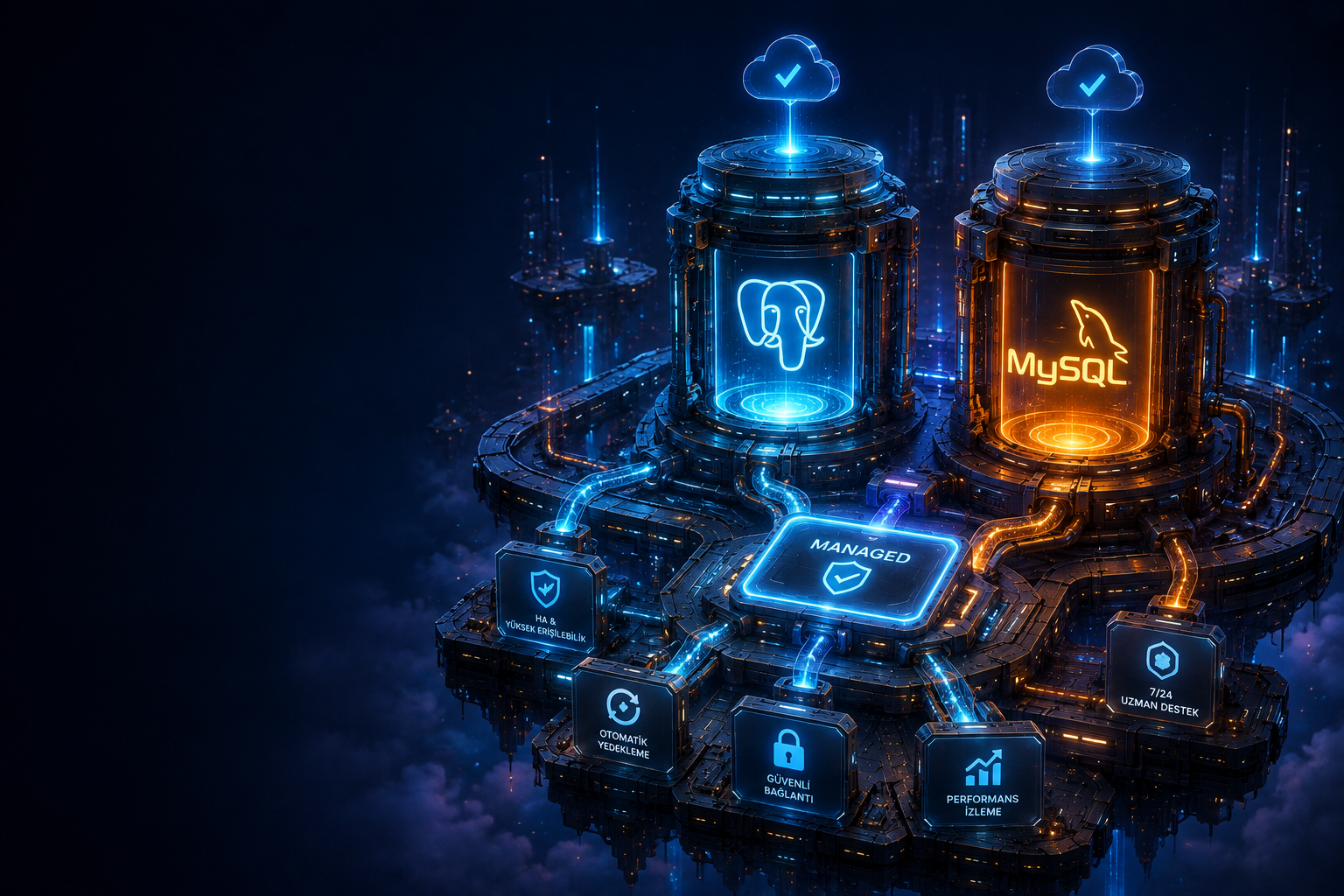
- Fully Isolated MySQL: an independent database unaffected by neighboring sites.
- Automatic PHP Version Management: switch between PHP 8.1, 8.2 or 8.3 instantly.
- NVMe SSD Disks: up to 10x faster file reads and writes than standard disks.
- Free Migration: expert-assisted migration of your existing WordPress site with zero downtime.






Reach us 24/7 through these channels



WordPress Hosting FAQ
Developer questions about container limits, automatic backups, database management and security configuration.
Managed WordPress Hosting is a container-based PaaS that runs without cPanel limits or shared-server neighbor resource sharing. Your site runs on its own isolated vCPU and RAM slice, completely unaffected by other sites’ resource abuse, spam or vulnerabilities.
Zero code, zero technical knowledge required. The moment your order completes, our system creates your MariaDB database, installs the latest WordPress core, attaches your Let’s Encrypt SSL and delivers your wp-admin credentials to your e-mail instantly.
All plans include LiteSpeed server caching. Pro and Business ship with built-in in-memory Redis Object Cache. Using LSCache or a Redis plugin you can cut database load by 80%, push PageSpeed scores above 90 and bring TTFB down to milliseconds.
Absolutely. WooCommerce runs dynamic database queries during cart and checkout, demanding high RAM and CPU. Our dedicated-resource containers starting at 0.5 vCPU prevent crashes during traffic spikes and deliver up to 4x faster cart and checkout than classic shared hosting.
Yes. We migrate your existing WordPress site, WooCommerce store and MariaDB/MySQL database to Skyversal PaaS 100% free of charge. Our expert team completes the migration with a zero-downtime guarantee.