Workflow Designed for Developers
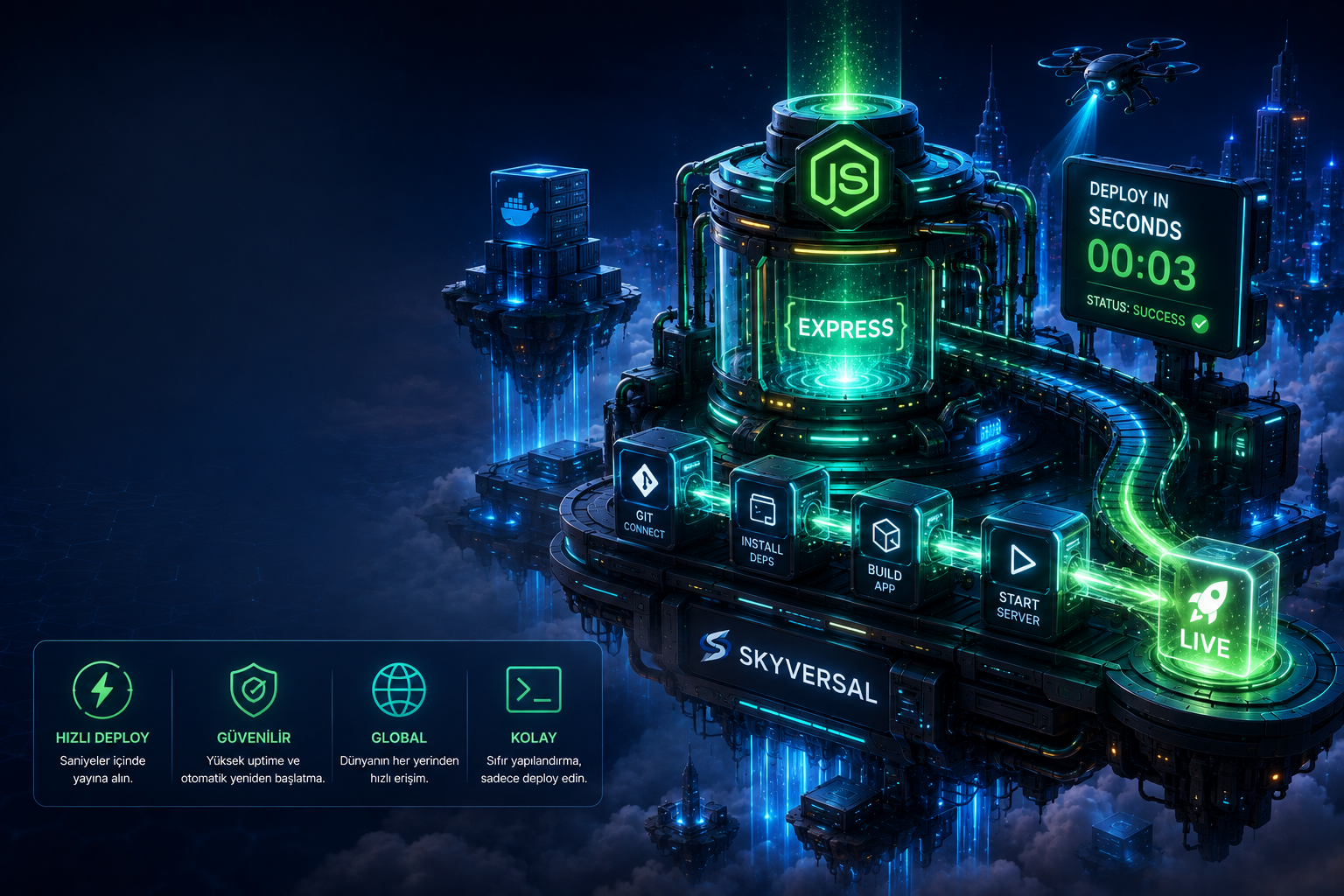
Forget complex FTP transfers, server configurations and database lockups. Push your code via git and go live in seconds.
Connect Your Repository
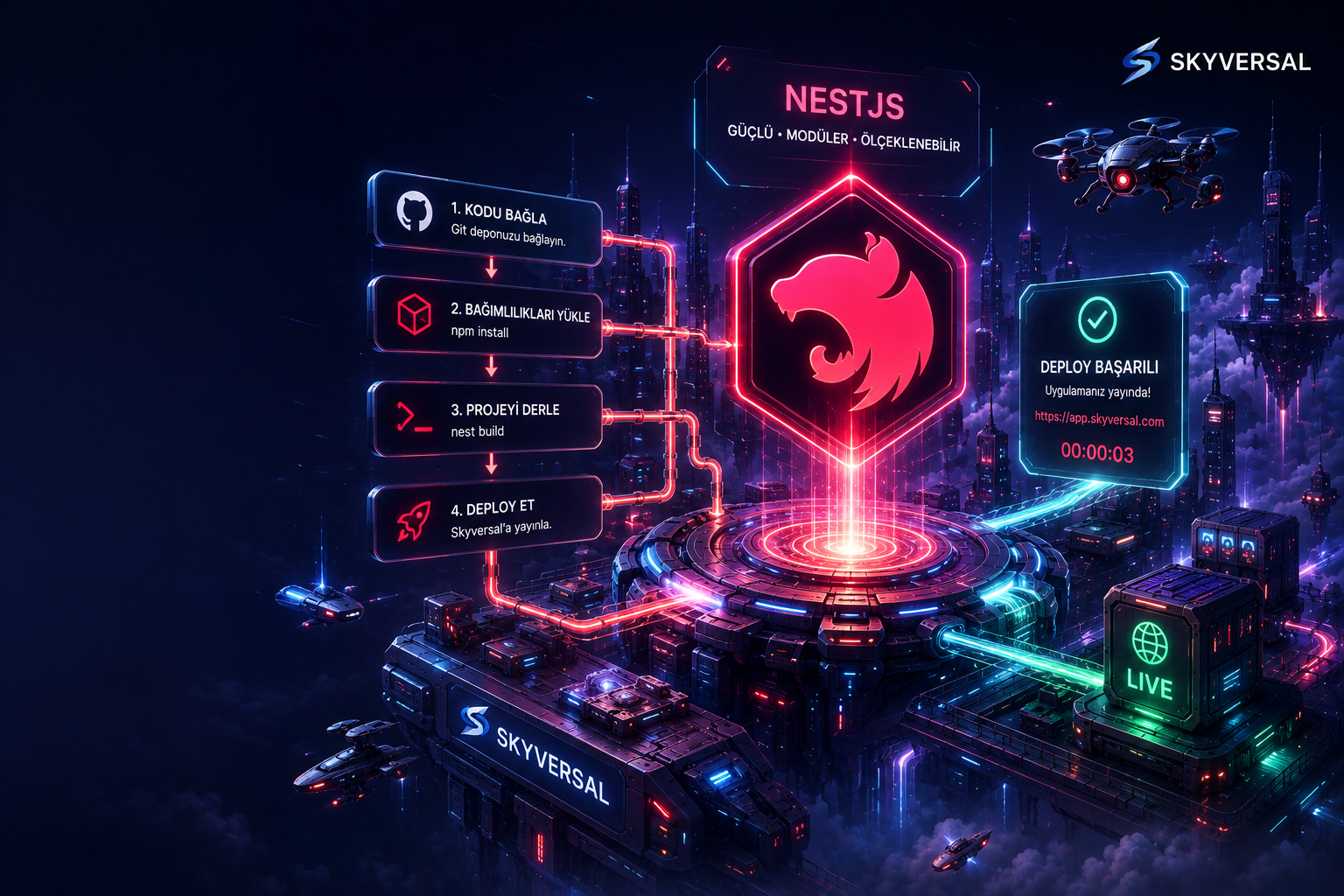
Define the Skyversal Git remote address in your existing Node.js project terminal. Takes just a few seconds.
Push with One Command
Prepare your code and push to Skyversal servers via git. Our pipeline system automatically starts the deploy process.
Automatic Build & PM2
Dependencies (npm install) are installed, the client build (npm run build) is triggered and you go live with zero downtime via the PM2 process manager.
skyversal deployNode.js Container Plans
Fully isolated processor and memory resources for each project. Scale without surprise costs or CPU overages.
- ✓1 Containers (PaaS Quota)
- ✓0.50 vCPU / 1 GB RAM (PaaS Slice)
- ✓5 GB NVMe SSD
- ✓GitHub / Bitbucket / GitLab Auto Push
- ✓1 Free Subdomain
- ✓Community Support
- ✓1 Containers (PaaS Quota)
- ✓1 vCPU / 1 GB RAM (PaaS Slice)
- ✓5 GB NVMe SSD
- ✓GitHub / Bitbucket / GitLab Auto Push
- ✓1 Free Subdomain
- ✓Community Support
- ✓3 Containers (PaaS Quota)
- ✓2 vCPU / 3 GB RAM (PaaS Slice)
- ✓10 GB NVMe SSD
- ✓GitHub / Bitbucket / GitLab Auto Push
- ✓1 Free Subdomain
- ✓Email Support
- ✓10 Containers (PaaS Quota)
- ✓4 vCPU / 8 GB RAM (PaaS Slice)
- ✓15 GB NVMe SSD
- ✓GitHub / Bitbucket / GitLab Auto Push
- ✓1 Free Subdomain
- ✓Email Support
- ✓Priority Build
Custom For You
Contact us and let us build a custom cloud infrastructure tailored to your project needs.
- ✓Custom resource limits (CPU, RAM)
- ✓Priority support & SLA guarantee
- ✓Full configuration to your needs
Sleep well at night with Skyversal: Your project is never suspended on shared servers or shut down due to CPU overages. Our 24/7 expert team and Node.js/SaaS-focused consulting keep your infrastructure fully secure.
Why Does Shared Hosting Limit Node.js?
Why choose container-based PaaS architecture over standard cPanel-based hosting services? Compare.
| Infrastructure Parameter | Classic Shared Hosting | Skyversal Node.js PaaS |
|---|---|---|
| Process & Concurrency Management | ||
| PM2 Automatic Process Management | Not supported (Script stops on error, requires manual restart) | ✓ Built-in PM2 (24/7 monitoring and automatic restarts) |
| Clustered Concurrency (Multi-Core) | Forbidden (Squeezed into a single CPU core, killed on RAM overage) | ✓ Supported (PM2 cluster mode can use full CPU power) |
| Port Binding & Web Server | ||
| Port Routing (Port Binding) | Limited / Hard (Nginx/Apache proxy settings cannot be done in cPanel) | ✓ Automatic (Port 80/443 requests are instantly routed to your Node.js port) |
| Redis Cache & In-Memory Acceleration | None or Paid (Session & cache on disk is slow) | ✓ Free (Built-in Redis support on all plans) |
| Deployment & Security | ||
| Automatic Dependencies & npm build | Not supported (You keep and upload compiled dist/ build folders locally) | ✓ Automatic Pipeline (npm install and npm run build run on the server) |
| Noisy Neighbor (Resource Theft) | High Risk (Other sites on the same server can crash your Node memory) | ✓ No Risk (Every Node.js project runs in its own fully isolated container) |
Built-in Redis and NVMe SSD Disks
Node.js applications need high read/write I/O speeds and fast session/cache management. Skyversal ships Redis and ultra-fast NVMe SSD disks as standard on all plans.
- Zero-latency caching with an in-memory data store
- High I/O read/write performance with fast NVMe SSD disks
- Scale Node.js session and socket state management with Redis
Automatic Build and Pipeline Workflow
Focus only on your code. When you push via Git, our pipeline servers install npm dependencies, compile client-side assets and update the PM2 process.
- npm or yarn dependencies installed automatically on the server
- package.json build commands run on the build server
- Zero-downtime deploy so your users never notice an interruption
PM2 Process and Cluster Management
Node.js runs single-threaded. With Skyversal PM2 cluster mode, your application is distributed across all CPU cores and automatically recovered on crashes.
- Built-in PM2 cluster mode to use multi-core CPU power
- Automatic recovery and auto-restart on unexpected errors
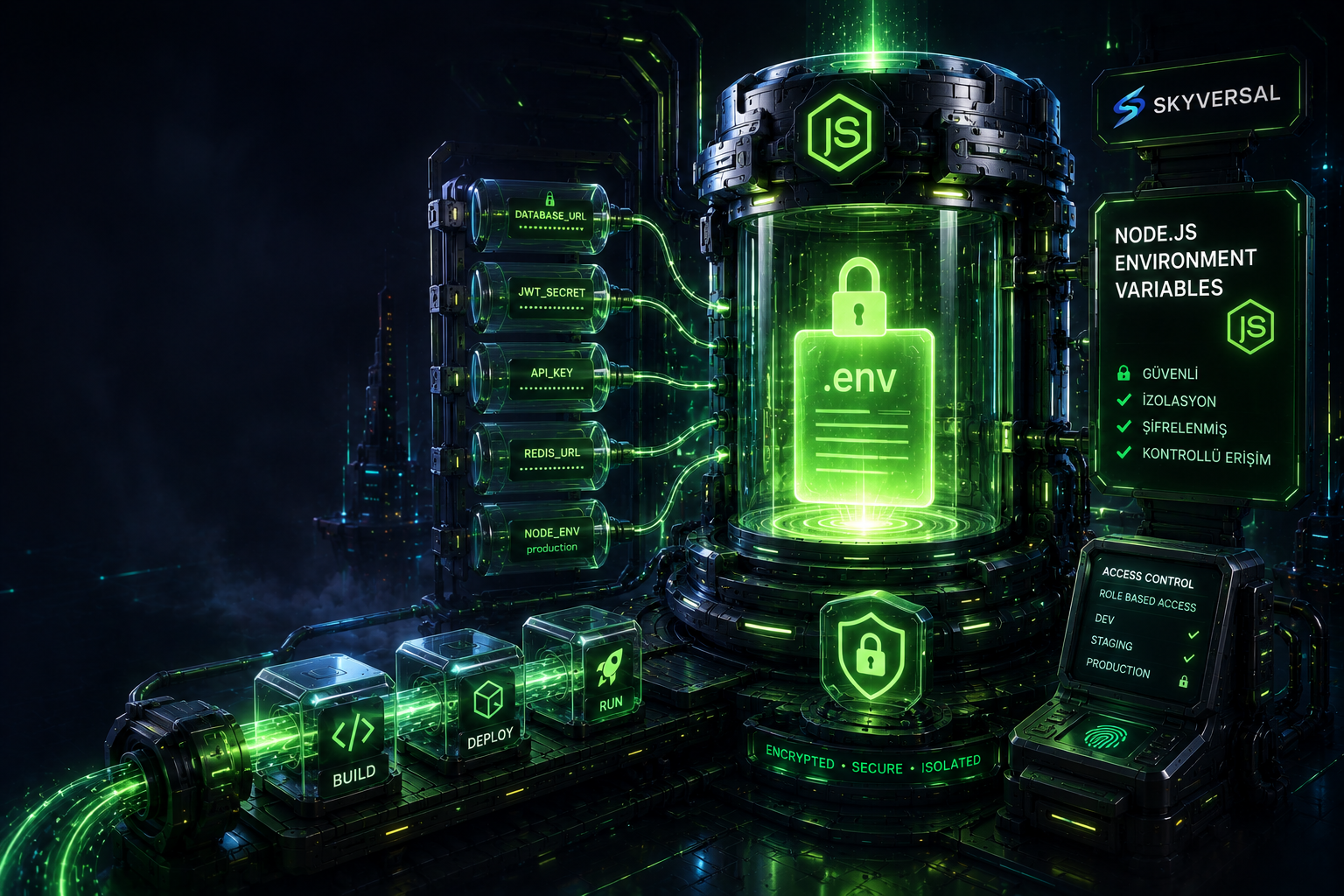
- Container-based isolated environment variables (.env) and port management






Node.js Hosting FAQ
Developer questions about PM2 process management, port binding, CI/CD steps and infrastructure limits.
Node.js Hosting is a PaaS service that provides the always-on runtime environment, PM2 process manager and cache tools like Redis that frameworks such as Express, NestJS or Fastify require, all within an isolated container architecture.
Classic shared hosting has a request-based lifecycle like PHP, and long-running Node.js processes in the background are automatically killed by the system on the grounds that they consume server resources. On Skyversal PaaS, your applications are fully isolated and run without interruption.
Due to the nature of the V8 engine, Node.js runs on a single core (single-threaded). Classic PM2 start runs your app on only one CPU core.
PM2 Cluster mode automatically detects all CPU cores allocated to your container, spawns multiple instances of your application and distributes incoming requests across them like a load balancer. We recommend cluster mode for high concurrency in your projects.
The Skyversal build pipeline reads the package.json file in the root of your project. It detects the Node.js version you specify in the engines.node field (e.g. ">=20.0.0" or "20.x") and boots your container with the corresponding Node.js LTS version.
Your Node.js app inside the container must listen on a dynamically assigned port to receive HTTP requests from the outside world. Skyversal injects the process.env.PORT value as an environment variable when the container boots.
Simply configure your HTTP server listen code as app.listen(process.env.PORT || 3000). Incoming 80 and 443 requests are automatically routed to your application.
Every push to your Git repository triggers the Skyversal build servers. First it checks whether your project has a lock file (package-lock.json or yarn.lock), then runs npm ci or yarn install.
If a build script is defined in your package.json, the build server automatically runs npm run build to make your project production-ready.
You should not add .env files containing critical data such as database passwords and API keys to your Git repository. Instead, you can define these variables through the Skyversal control panel.
The variables you define are stored encrypted on the server and become directly accessible via process.env.VARIABLE_NAME in the Node.js runtime.
Yes. Thanks to the max_memory_restart option (e.g. "500M") you can define in your PM2 config file (ecosystem.config.js), instances that exceed limits due to a memory leak are automatically restarted by PM2 with zero downtime.
Yes. If tsc is defined as the build script in your TypeScript projects, your TypeScript code is transpiled to JavaScript ES format during the build step and PM2 runs the compiled JavaScript output (usually the /dist folder).
Move Your Node.js Project to the Cloud Today
Start deploying with advanced container architecture and git-push simplicity.
Questions? Write to us →