 Laravel PaaS · Git Deploy · Container Isolation
Deploy with Git Push: Next-Gen Laravel Hosting Experience
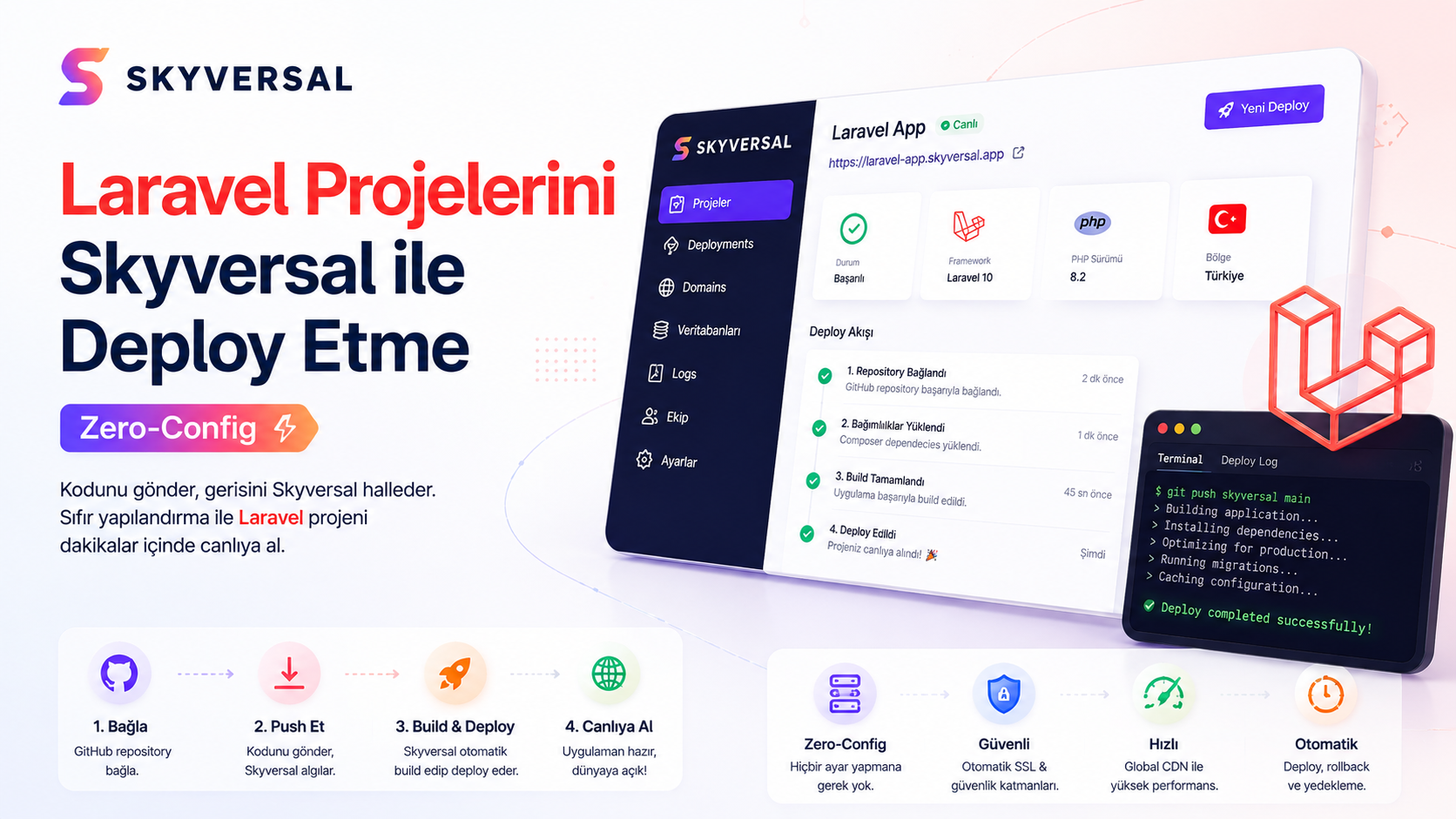
Full authority for Artisan commands, Composer dependencies, 24/7 Supervisor queue managers and Redis caching. Free your Laravel applications from restrictive shared hosting chains.
- ✓ Git Push — Automatic Code Build & Go Live
- ✓ Supervisor-Powered 24/7 Active Queue Worker Daemons
- ✓ Isolated Containers (No Noisy Neighbor / No Performance Theft)
Scale your infrastructure with developer-friendly isolated container plans.
$ git push skyversal main
Enumerating objects: 47, done.
Counting objects: 100% (47/47), done.
-> Deploying Laravel Application...
✔ PHP Version: 8.3 detected
✔ Composer Install: dependencies built successfully
✔ Vite: compiling assets (npm run build)
✔ Database: running migrations (php artisan migrate --force)
✔ Queue: spawning Supervisor workers...
✔ Deployment Successful! Live at https://laravel-app.skyversal.site
Workflow Designed for Developers
Forget complex FTP transfers, server configurations and database lockups. Push your code via git and go live in seconds.
Connect Your Repository
Define the Skyversal Git remote address in your existing Laravel project terminal. Takes just a few seconds.
Push with One Command
Prepare your code and push to Skyversal servers via git. Our pipeline system automatically starts the deploy process.
Automatic Pipeline & Live
Your Composer packages are installed, Vite is compiled, migrations run and your isolated container goes live seamlessly.
Laravel Container Plans
Fully isolated processor and memory resources for each project. Scale without surprise costs or CPU overages.
- ✓1 Containers (PaaS Quota)
- ✓0.50 vCPU / 1 GB RAM (PaaS Slice)
- ✓5 GB NVMe SSD
- ✓GitHub / Bitbucket / GitLab Auto Push
- ✓1 Free Subdomain
- ✓Community Support
- ✓1 Containers (PaaS Quota)
- ✓1 vCPU / 1 GB RAM (PaaS Slice)
- ✓5 GB NVMe SSD
- ✓GitHub / Bitbucket / GitLab Auto Push
- ✓1 Free Subdomain
- ✓Community Support
- ✓3 Containers (PaaS Quota)
- ✓2 vCPU / 3 GB RAM (PaaS Slice)
- ✓10 GB NVMe SSD
- ✓GitHub / Bitbucket / GitLab Auto Push
- ✓1 Free Subdomain
- ✓Email Support
- ✓10 Containers (PaaS Quota)
- ✓4 vCPU / 8 GB RAM (PaaS Slice)
- ✓15 GB NVMe SSD
- ✓GitHub / Bitbucket / GitLab Auto Push
- ✓1 Free Subdomain
- ✓Email Support
- ✓Priority Build
Custom For You
Contact us and let us build a custom cloud infrastructure tailored to your project needs.
- ✓Custom resource limits (CPU, RAM)
- ✓Priority support & SLA guarantee
- ✓Full configuration to your needs
Sleep soundly with Skyversal: Your project is never suspended on shared servers or shut down due to CPU overages. Our 24/7 expert team and Laravel/SaaS-focused consulting fully secures your infrastructure.
Why Shared Hosting Restricts Laravel?
Why choose container-based PaaS architecture over standard cPanel-based hosting services? Compare.
| Infrastructure Parameter | Classic Shared Hosting |  Skyversal Laravel PaaS Skyversal Laravel PaaS |
|---|---|---|
| Queue & Background Processes | ||
| Laravel Queue Workers (Supervisor) | Not supported (cron trick required) | Built-in Supervisor (24/7 active workers) |
| Redis Cache & Queue Store | None or extra cost (file cache is slow) | ✓ Free (built-in Redis on all plans) |
| Deployment & Management Freedom | ||
| SSH Terminal & CLI Access | Restricted or banned (no Artisan) | ✓ Full access (isolated container terminal) |
| Git Integration & CI/CD | None (manual FTP uploads) | ✓ Built-in Git Push (one-command deploy) |
| Vite / NPM Build Support | Not supported (build locally) | ✓ Auto Pipeline (Vite compiled on server) |
| Laravel Task Scheduler (Cron) | cPanel cron limits apply | ✓ Built-in Cron (auto schedule:run) |
| Security & Hardware | ||
| Noisy Neighbor | High risk (other sites steal CPU) | No risk (each project in own container) |
| PHP Version & PHP-FPM Limits | Limited by cPanel (max_execution_time) | ✓ Free limits (set your own php.ini) |
Built-in Redis & NVMe SSD Disks
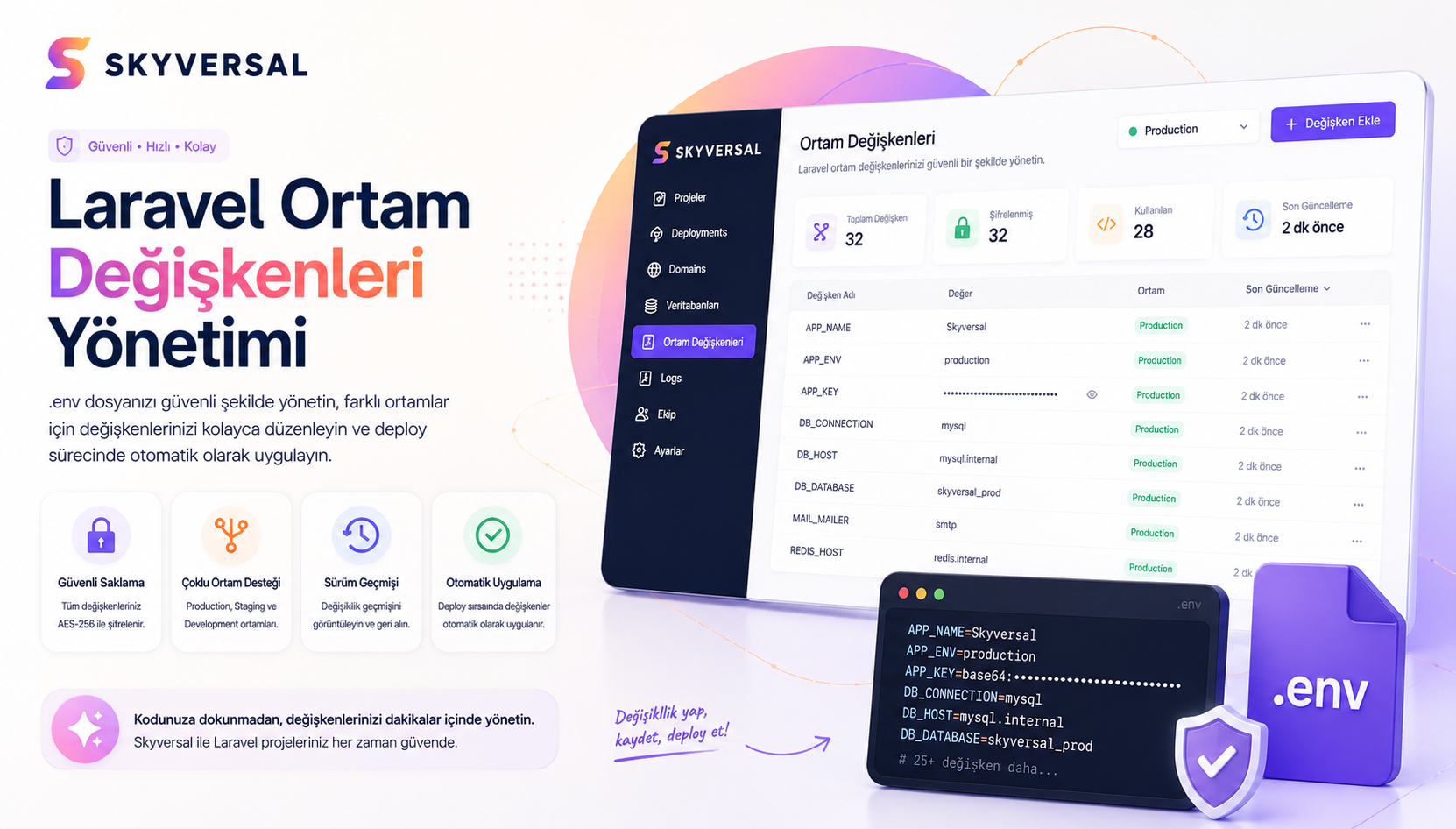
Laravel needs in-memory data stores for session, cache and queue operations. Redis comes pre-configured on Skyversal.
- Zero-latency database caching
- Fast NVMe SSD disks for high I/O
- Laravel session data stored on Redis
Automatic Pipeline Build
Focus on your code. When you push via git, our pipeline servers install Composer dependencies and optimize NPM libraries with Vite.
- Vite auto-builds CSS and JS assets
- Auto-run Laravel migrations on deploy
- Seamless queue worker restart
Supervisor Queue Manager
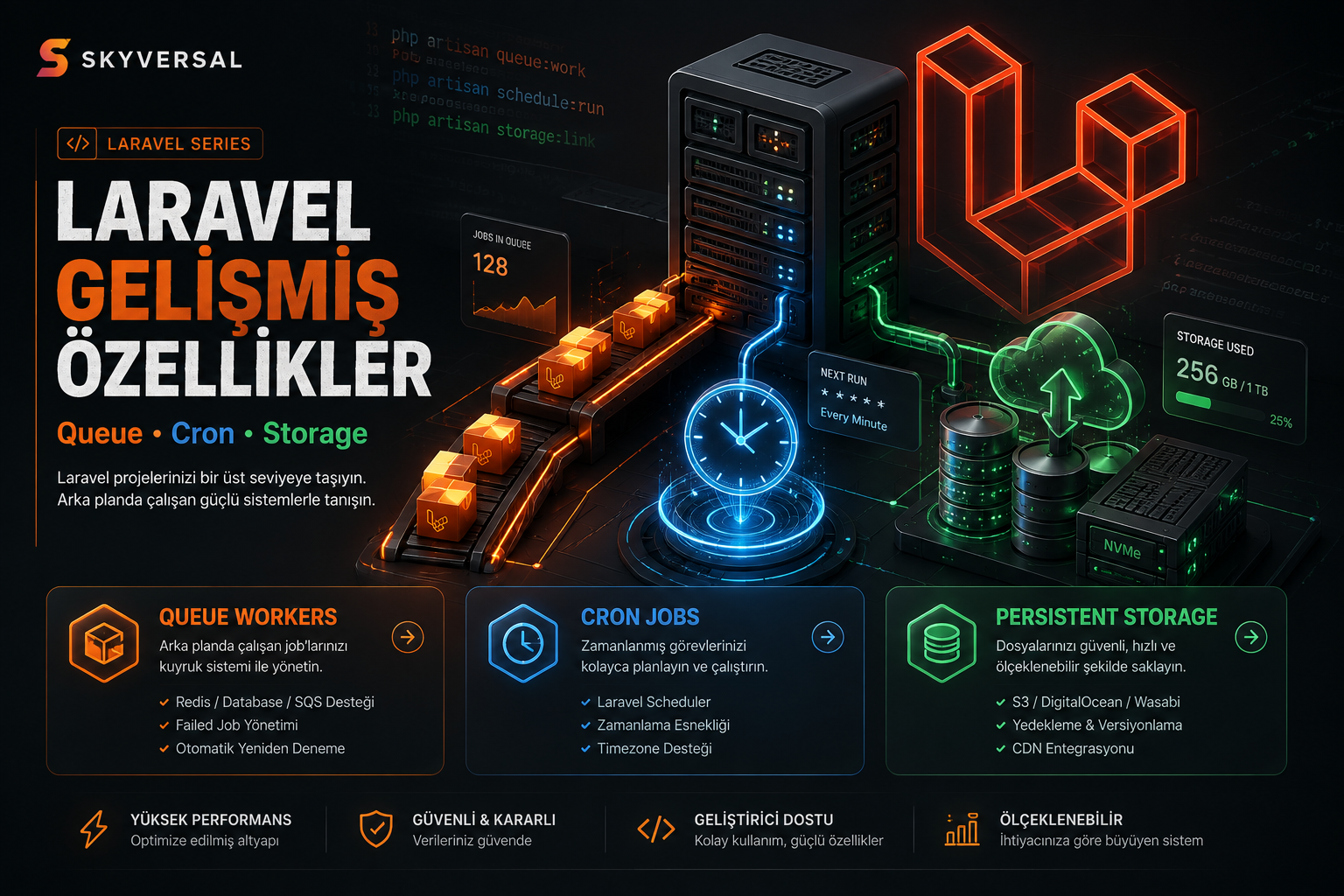
Laravel uses background queue jobs for emails, notifications and API integrations. Our Supervisor daemons keep your jobs running 24/7.
- 24/7 active Laravel queue:work process
- Artisan scheduler trigger every minute
- Container-isolated environment variables (.env)






Laravel Hosting FAQ
Developer questions about queue configuration, database connections, CI/CD steps and infrastructure limits.
Laravel Hosting is a specialized hosting service that provides infrastructure tools such as Composer dependencies, Supervisor queue managers, Redis caching and cron jobs required by the Laravel framework through isolated container architecture.
Unlike classic shared hosting, resources are isolated, you are not affected by neighbors, and you don't hit restrictive PHP execution limits.
SSH terminal access is standard on Skyversal Laravel PaaS. Connect to your container terminal and run 'php artisan storage:link' in seconds to create the symbolic link.
Yes. The 'php artisan migrate --force' command is integrated into the deployment pipeline triggered by git push.
You don't need to manually update your database. You can disable or customize this step if desired.
No manual setup required. Activate Supervisor queue workers from your Skyversal panel or config file with one click, and run any number of workers 24/7. The Supervisor queue listener auto-restarts on container restarts.
Your Laravel .env variables are stored as encrypted Environment Variables on the Skyversal PaaS panel, not as plain text on server disk. They are only injected into the application at container runtime, so your secrets are never exposed in code repos or disk leaks.
When you git push, the Skyversal build server automatically starts a Node.js environment and runs 'npm run build'. No need to build locally and commit the huge /public/build folder to Git.
Our containers have crontab built-in and pre-configured to trigger 'php artisan schedule:run' every minute. Your scheduled tasks in App\Console\Kernel run automatically with zero extra configuration.
Switch between PHP 8.1, 8.2 or 8.3 by changing a single line in your Skyversal panel or config file (skyversal.json). The version switch is instant with zero downtime.
Move Your Laravel Project to the Cloud Today
Start deploying with advanced container architecture and git-push simplicity.
Questions? Write to us →